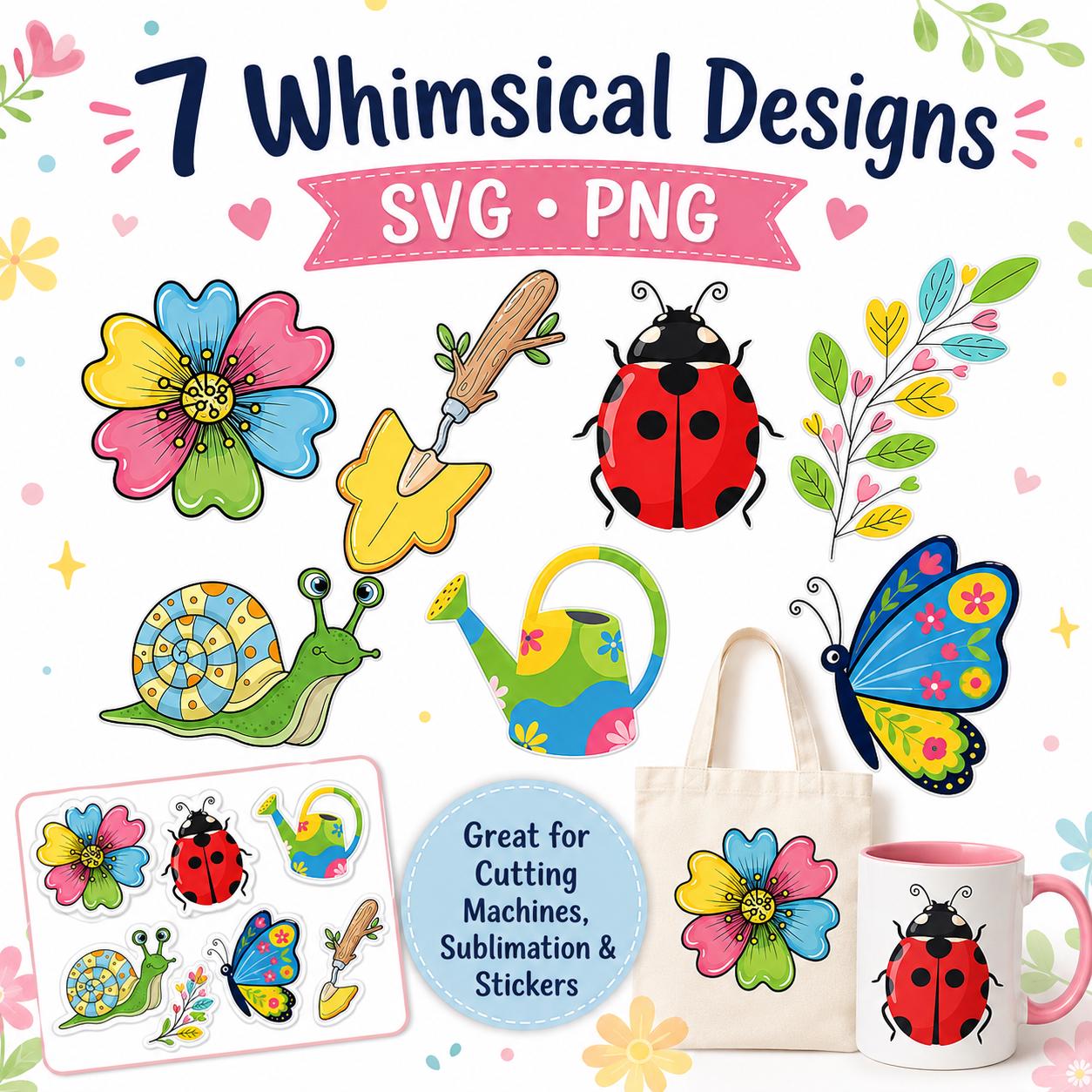
 Whimsical Garden SVG PNG Bundle, Spring Flower Clipart, Bug Sublimation Sticker (Digital Download)
USD 3.50
Whimsical Garden SVG PNG Bundle, Spring Flower Clipart, Bug Sublimation Sticker (Digital Download)
USD 3.50
Digital Clipart and SVG Bundles
Find SVG and PNG clipart bundles for Cricut, Silhouette, sublimation, stickers, invitations, apparel, and seasonal craft projects.
What you will find
Digital clipart listings provide downloadable design files for compatible craft and design software. The exact formats and number of designs are listed on each product page.
2 products are currently available in this collection.
Whimsical Garden SVG PNG Bundle, Spring Flower Clipart, Bug Sublimation Sticker (Digital Download)
USD 3.50
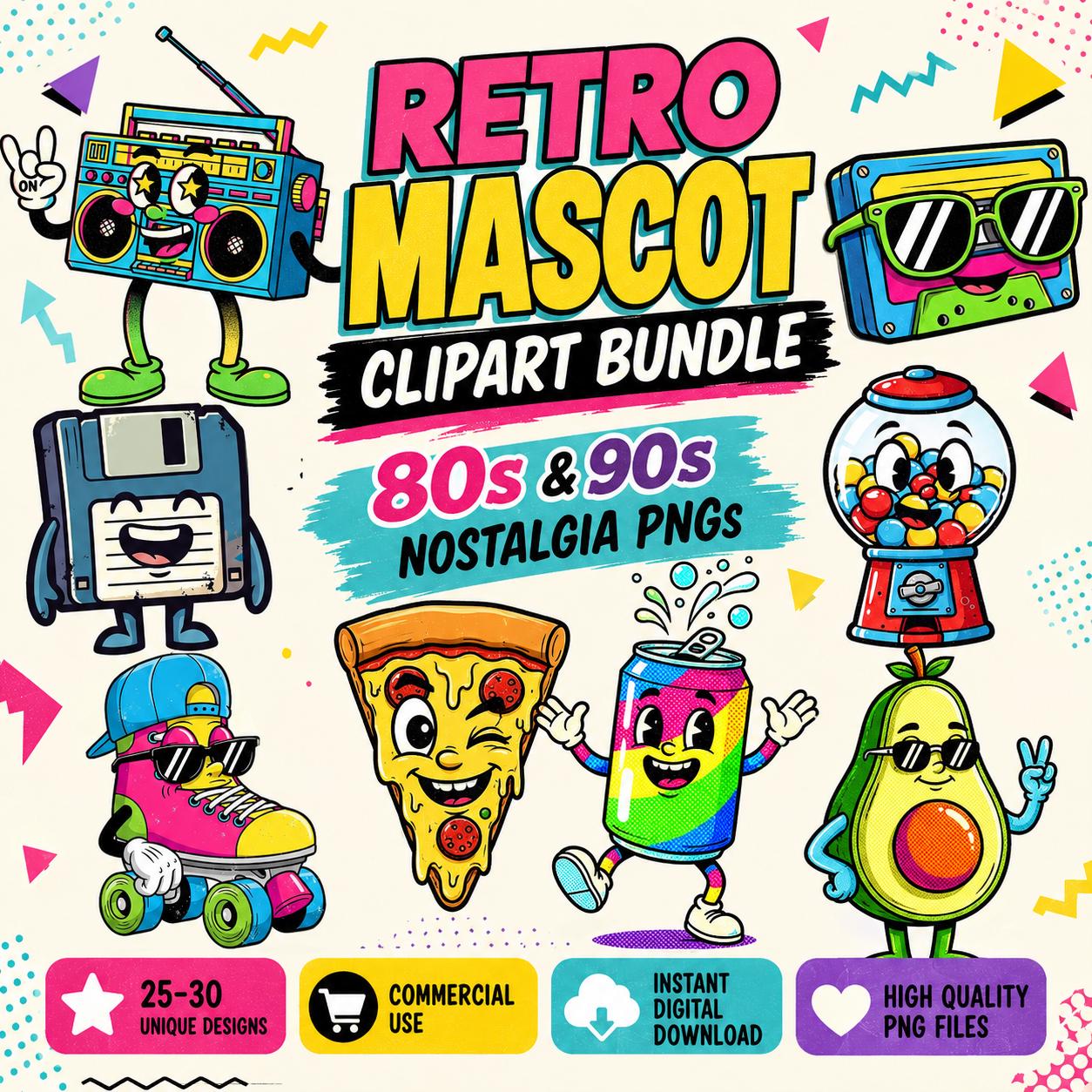 Retro Mascot Clipart Bundle | 80s 90s Nostalgia PNGs (Digital Download)
USD 3.00
Retro Mascot Clipart Bundle | 80s 90s Nostalgia PNGs (Digital Download)
USD 3.00
No matching products found.
How to choose digital clipart and craft files
Choose the file by how it will be used
SVG is a vector format suited to scalable shapes, recoloring and compatible cutting workflows. PNG is a fixed-resolution raster format that can retain transparency, gradients, texture and detailed color. For Cricut, SVG commonly serves cut projects while PNG serves Print Then Cut and full-color artwork. In Silhouette Studio, direct SVG opening depends on the software edition, while PNG can be imported into the free Basic Edition for printing or tracing.
A bundle that includes both formats gives more options, but each format still has a different purpose. Converting a textured PNG into SVG does not recreate clean original vector layers, and saving a raster image inside an SVG wrapper does not make it truly scalable.
Review these details before downloading
- Included formats and number of designs or elements.
- Transparent background and pixel dimensions for PNG artwork.
- Whether an SVG is single-layer, grouped or designed as multiple color layers.
- Compatibility with your software version and device.
- Personal or commercial-use permissions on the individual listing.
- Whether the product is a ZIP archive that must be extracted before files can be opened.
Protect print and cut quality
Use the original download instead of a screenshot or marketplace preview. Test a small print or scrap-material cut before committing an expensive blank. The artwork supplies the design, but the material manufacturer and machine documentation supply blade, pressure, heat, time and color-management settings.
Digital Clipart and SVG Bundles FAQs
Is SVG better than PNG?
Neither is universally better. SVG is usually better for scalable cut paths and flat-color layers; PNG is usually better for detailed color, transparent raster art, Print Then Cut and sublimation.
Why does an SVG not open in Silhouette Studio Basic Edition?
Silhouette states that direct SVG opening requires Designer Edition or above. Basic Edition can import PNG and other raster formats for printing or tracing.
Can I use a PNG for Cricut?
Yes. Cricut Design Space accepts PNG as a basic raster image. It is commonly used for full-color Print Then Cut artwork, while SVG is more direct for vector cut paths.
Does buying a file include commercial rights?
Not automatically. Read the use terms on the individual product page and Etsy listing before selling finished products made with the artwork.
Related maker guides
SVG vs PNG for Cricut, Silhouette and Sublimation: Which File Should You Use?
Choose SVG or PNG by project: SVG for scalable cut paths and layers, PNG for detailed color, transparent backgrounds, Print Then Cut and sublimation.
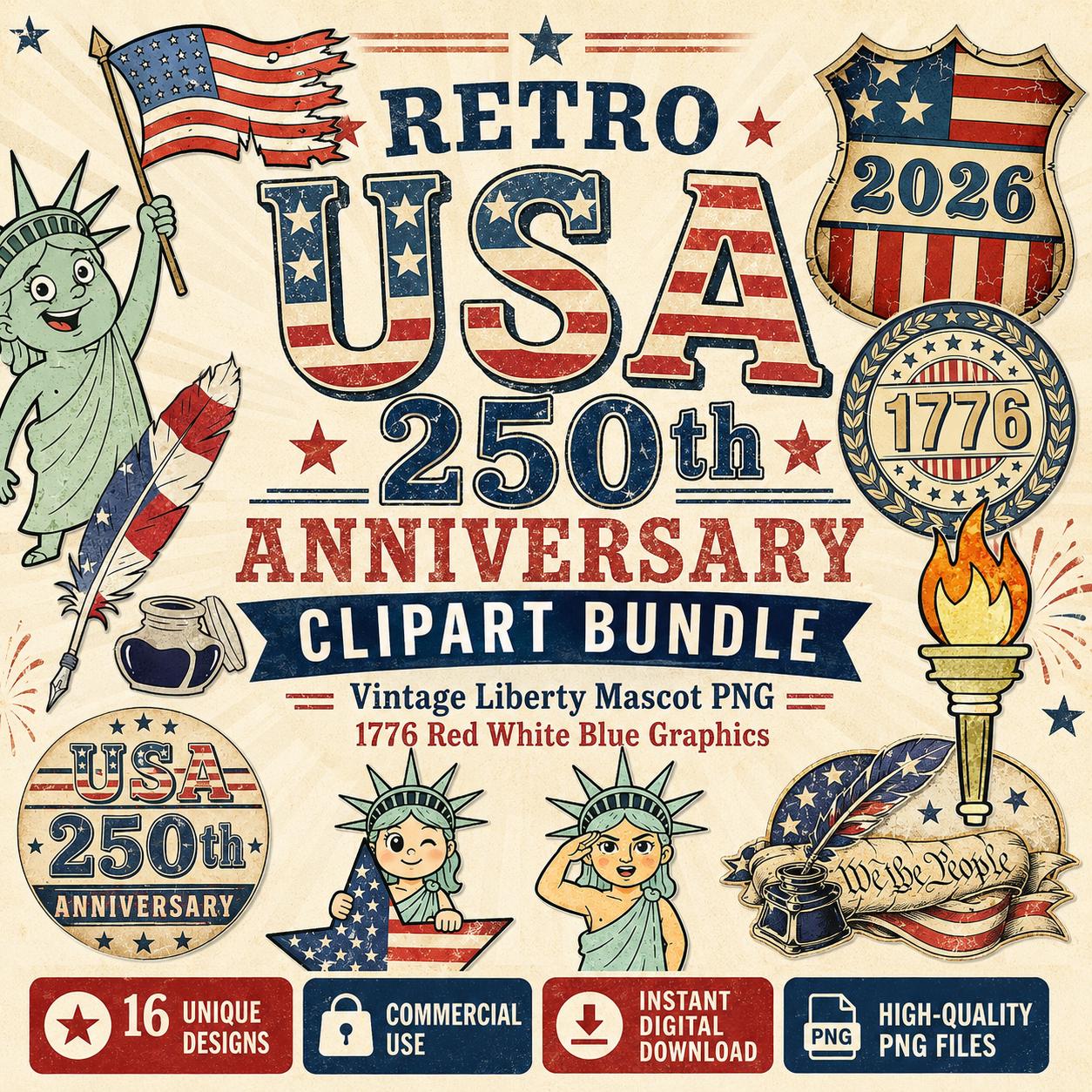 USA 250th Anniversary SVG and PNG Craft Guide: 1776-2026 Project Ideas
Plan 1776-2026 commemorative shirts, signs, stickers, prints and keepsakes with the right USA 250 SVG or PNG file for each craft process.
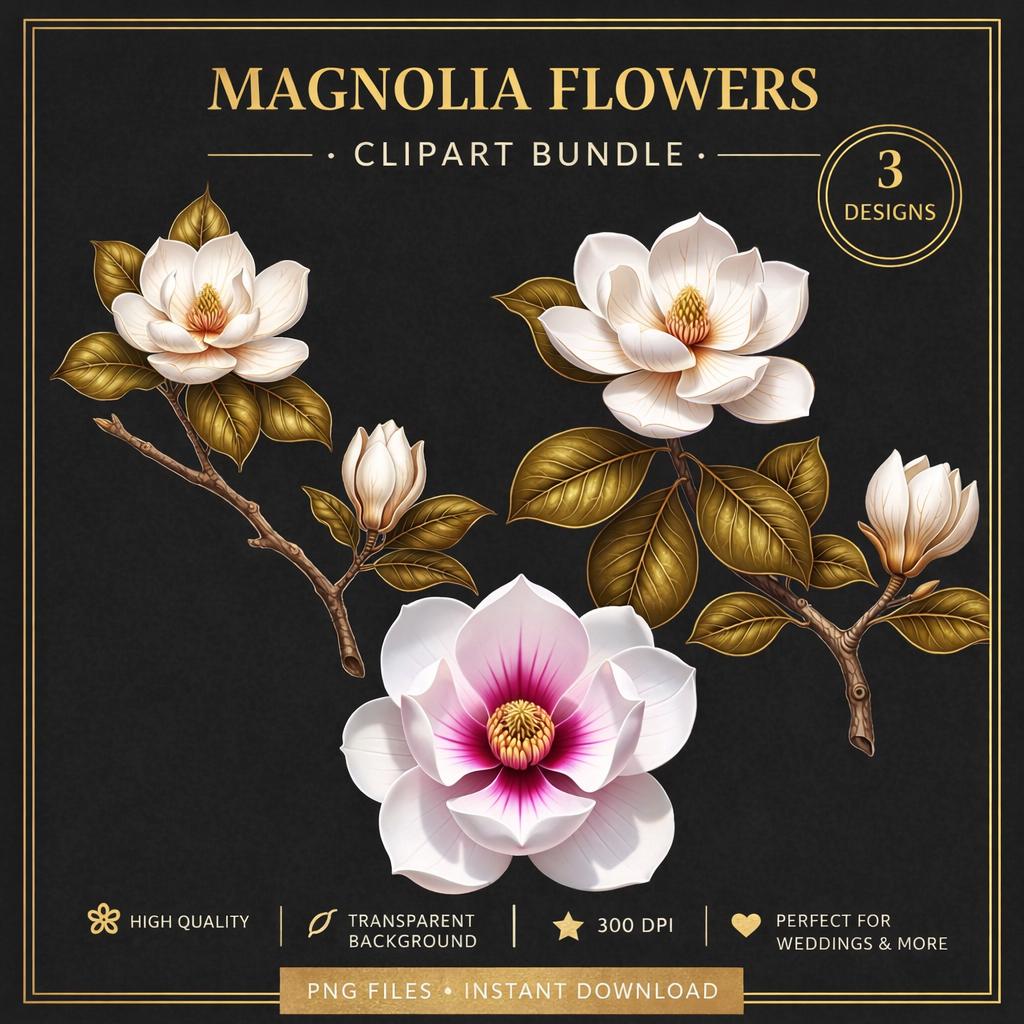 Magnolia Clipart Guide: Choosing PNG, SVG and Floral Art for Weddings and Crafts
Choose realistic magnolia PNG, line-art SVG or printable floral art by project, resolution, background, editing needs and final output.